Choosing the best ultrasound printing paper is not a small technical detail. It directly influences image clarity, patient satisfaction, reprint frequency, and even the long-term health of your printer.
Whether the goal is diagnostic accuracy, keepsake quality, or reliable reporting, the paper you load into your device determines how well your images translate from screen to print.
For practices using Sony ultrasound printers, selecting the right media becomes even more important because each paper type is engineered for specific workflows, output styles, and cost-per-print targets.
The right choice protects your equipment, reduces waste, and ensures that every print, whether a clinical document or a cherished family keepsake, performs the way it should. Many facilities treat their media as integral to the imaging system itself, especially when consistent performance is required from ultrasound paper used daily.
Why Paper Selection Affects More Than You Think
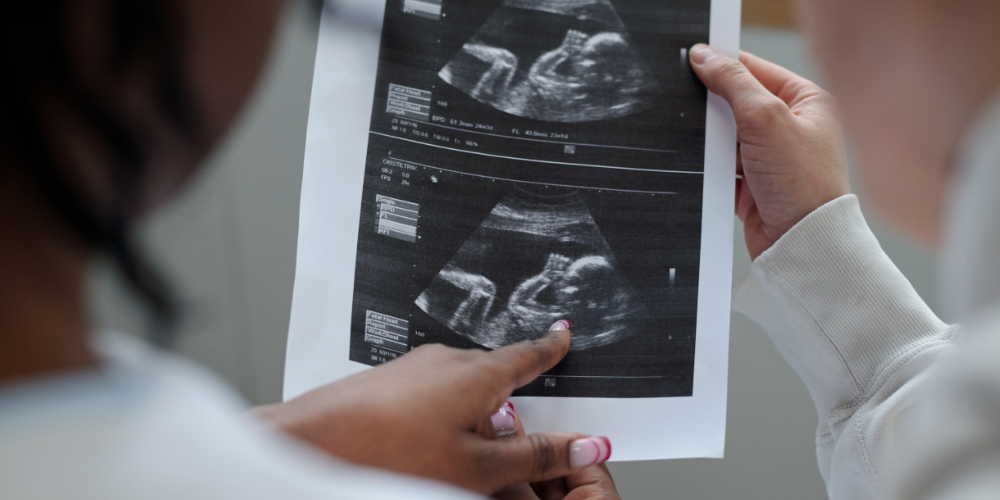
Different roles inside a healthcare environment depend on printed ultrasound images in different ways. For example, 3D/4D ultrasound studios are looking to ensure that the print evokes the emotional impact of a premium keepsake, while imaging centers and other medical practices often need grayscale for diagnostic review. When the wrong paper is used, problems show up quickly:
Key issues caused by incorrect or incompatible paper:
• washed-out grayscale or weak density
• printer jams and curl-related misfeeds
• accelerated thermal-head wear from harsh coatings
• unpredictable output that increases reprints
• negative patient or customer impressions
• warranty discussions if damage is linked to non-OEM approved media, such as some thermal paper sold on marketplaces like Amazon and Wal-Mart which are advertised as "compatible" but not from the OEM manufacturer (i.e. Sony or Mitsubishi)
The right paper ensures a proper workflow, reducing interruptions and producing predictable results day after day.

Understanding Your Options: Sony Ultrasound Media Compared
Sony manufactures a family of purpose-engineered ultrasound papers — each built for a clearly defined use case. Understanding the “why” behind each product makes choosing the right one far easier.
Sony Ultrasound Media Overview
|
Paper Type |
Best Use Case |
Output Style |
Cost-Per-Print Signal |
|
UPP-110S |
Routine clinical printing |
B/W Thermal |
Lowest |
|
UPP-110HD |
Higher clarity & contrast |
B/W Thermal |
Low–Mid |
|
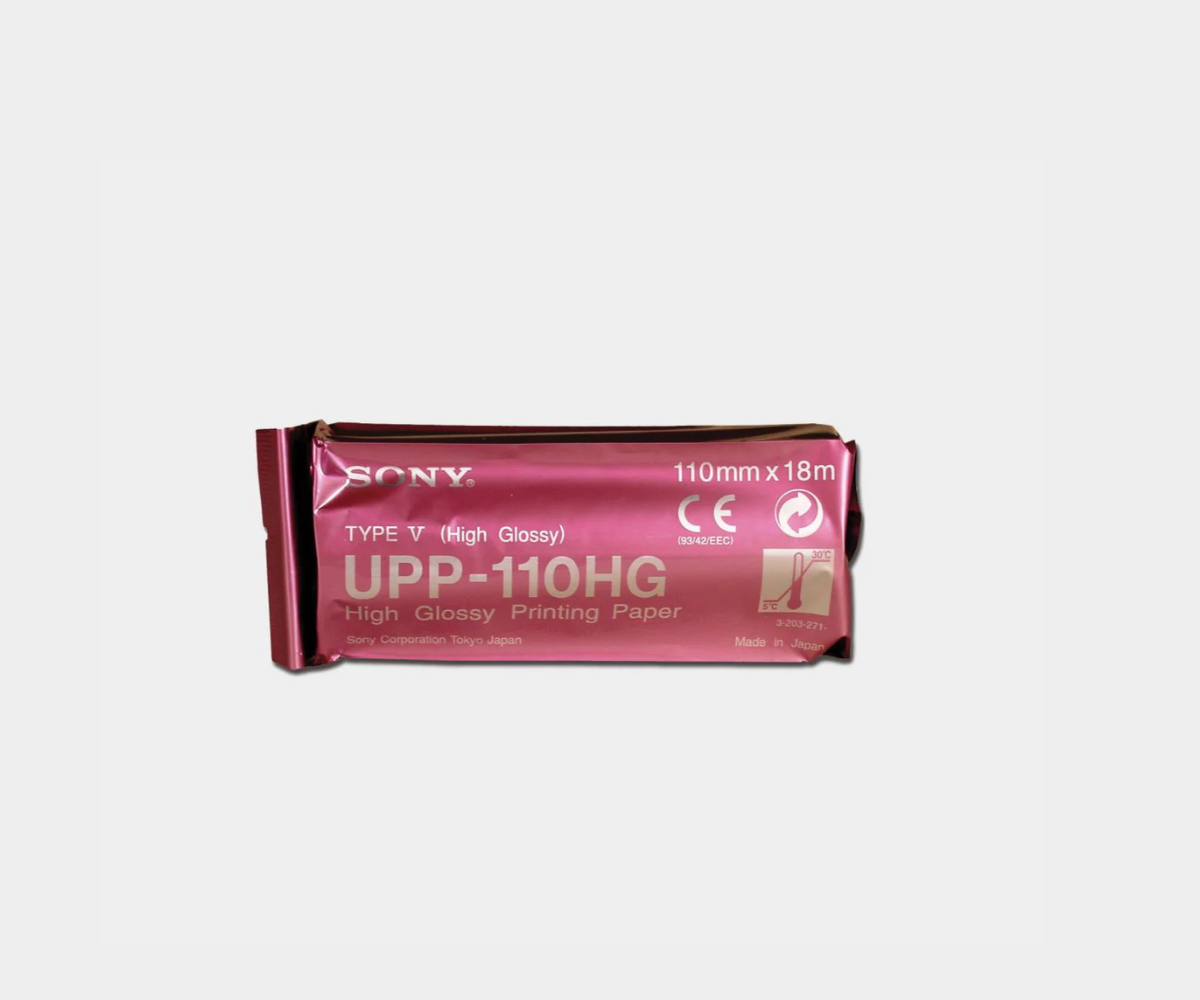
UPP-110HG |
Premium patient keepsakes (ideal for 3D/4D ultrasound studios) |
Glossy B/W |
Mid–High |
|
UPP-210HD |
A4 reports & multi-image sheets |
B/W Thermal A4 |
High |
|
UPC-21L |
Premium 3D/4D color prints |
Dye-sublimation |
Highest |
These papers are not “better or worse”. They are optimized tools designed to produce predictable results in specific ultrasound workflows.
Choosing Based on Your Practice’s Workflow
For keepsake-focused imaging (3D/4D studios or OB practices)
High-emotion environments benefit from print quality. Families judge their experience partly on what they take home, so perceived value matters.
UPP-110HG delivers a glossy, photo-like finish that enhances facial detail and depth.
UPC-21L provides true dye-sublimation color for lifelike 3D/4D prints.
These higher-tier media types often pay for themselves because they improve package upgrade rates and create shareable, social-media-friendly output.
For diagnostic and routine clinical printing
Efficiency, repeatability, and accurate grayscale matter more than aesthetics.
UPP-110S is engineered for routine documentation with the lowest cost-per-print.
UPP-110HD enhances density and contrast, making subtle anatomical details easier to evaluate.
Both load reliably, reduce reprints, and protect the thermal head, critical for busy clinical environments.
For reporting and measurement-driven workflows
When you need multi-image layouts or measurement documentation on A4 sheets,
UPP-210HD provides a clean, large-format output that scans accurately into EMR systems and simplifies reporting structure.
Cost-Per-Print: The Pricing Signal That Actually Matters
Most practices initially compare media by roll price, but this is only one part of the cost-per-print equation. The true cost includes:
• media price per roll
• print yield per roll or color ribbon
• reprint frequency (often underestimated)
• thermal-head longevity
• staff time lost to jams or poor density
A lower-cost paper, especially those advertised as compatible but not manufacturer-approved, may quickly become more expensive if it creates additional reprints or damages components. Meanwhile, higher-value papers such as UPP-110HG and UPC-21L often generate higher patient revenue, allowing a practice to offset the media cost with ease.
Example:
Premium keepsake studios routinely charge $5–$15 more per package for glossy or color output — fully covering the additional cost while improving client satisfaction.

Sony OEM vs. “Sony-Compatible” Paper: What’s Actually at Stake?
Many practices consider switching to compatible or off-brand media because the roll price appears lower, but this often ignores the engineering behind Sony’s OEM papers.
Sony designs its media with precisely controlled friction levels that allow the paper to move cleanly through the printer, along with coatings that resist humidity and curling so the sheet stays stable as it heats.
Each roll also includes anti-static properties that prevent misfeeds and streaking, and the ionic content is kept extremely low to protect the thermal head from premature wear. These characteristics are rarely replicated in third-party alternatives, and the differences begin to show quickly during everyday use.
When incompatible paper is used, the printer must compensate for inconsistent surfaces and coating thickness, which can lead to abrasion on the thermal head, overheating, or invisible micro-scratches that accumulate over time. Image density often becomes unpredictable, producing washed-out grayscale that may be unsuitable for diagnostics or disappointing for keepsake customers.
Paper that curls, clings, or generates static can also create jams that disrupt workflow, consume staff time, and force more reprints. The financial impact becomes even more serious when service technicians identify damage caused by non-OEM materials, as repairs may not be covered under warranty.
Although compatible media may appear inexpensive, its long-term cost frequently becomes higher once reprints, downtime, and equipment wear are factored in. For any practice where image quality and operational reliability matter, OEM Sony paper is generally the safest and most cost-effective choice, especially compared with lower-grade thermal paper substitutes.